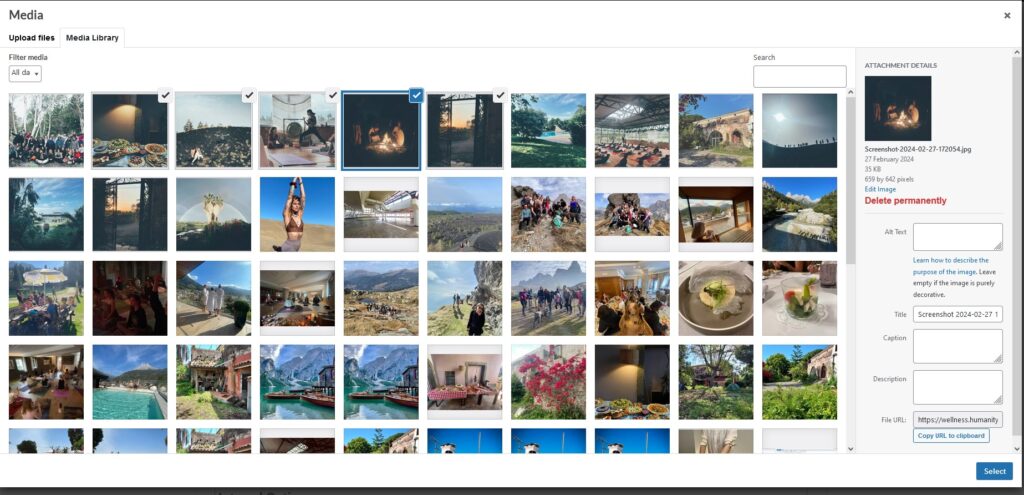
03/03/2024 – Currently there is an issue with Uploading Gallery images. A work around is to:
- open the Featured Image uploader’Choose image’
- close it
- open the Galler file uploader ‘Add event Gallery images’
- proceed as normal below.
Please contact your local manager or us via the contact form and we can add any images you need.
- Please add upto 10 images
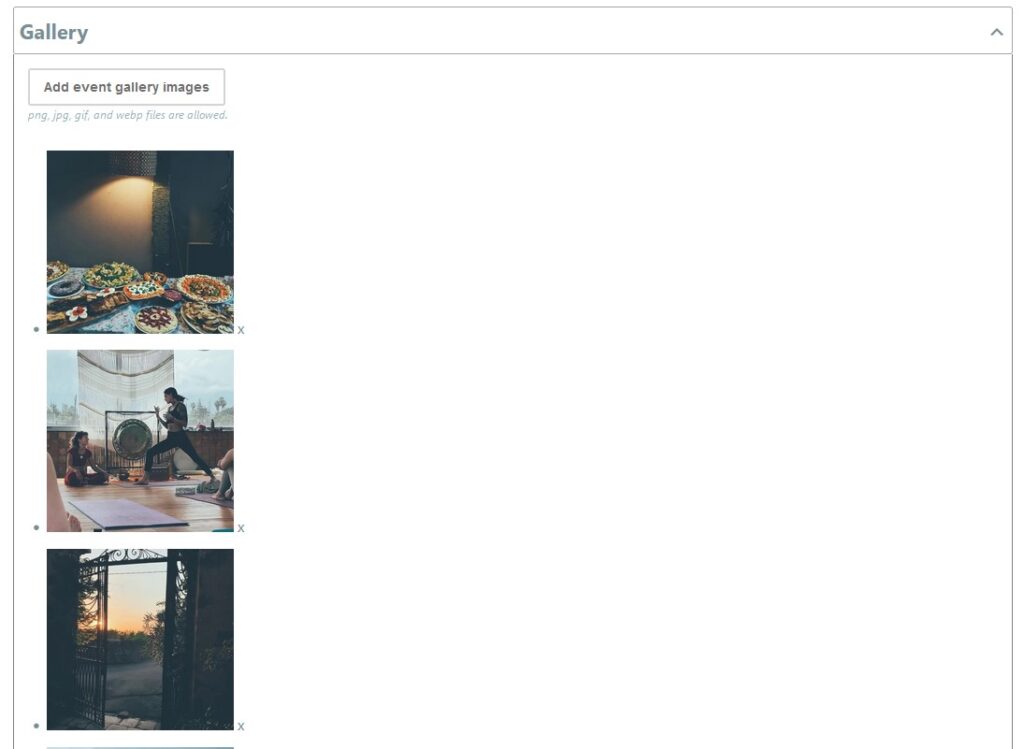
- Select ‘Add Event Gallery Images’
- Select individual
- Select multiple images by holding down the Control/Function button and clicking on each image
- Mobile phone – click on multiple images
- Click on Select in bottom right hand corner
- Your images will be displayed
- Ensure to select Submit Event to save your changes