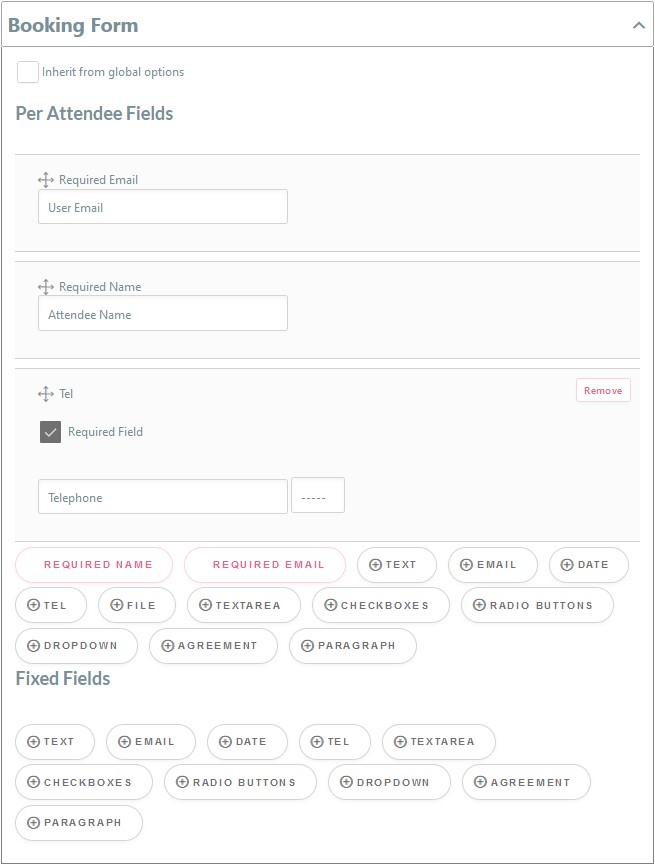
The Booking form is very usefull section where you can get more information from your customers during booking.
Unchecking the Inherit from global options checkbox reveal options which you can add to the booking form for your offering.
Mandetory information is shown in the top section. Required Email and Attendee Name cannot be removed. It is default to prefill these two sections as the booker name – unless the option – tbc – is unchecked.
This will be required for each of the bookings. eg: you book three places to an event. There are menu requirements for each guest to be added. You can add a set of checkboxes for Menu 1, Menu 2, or Menu 3 which can be selected for each guest.
The Fixed Field section is a global section which is not guest specific. You could add checkboxes for extras which you offer which will be relevant for all guests under the booking. eg: Pickup from airport, Extended Day, Massage Service, Group Bedroom