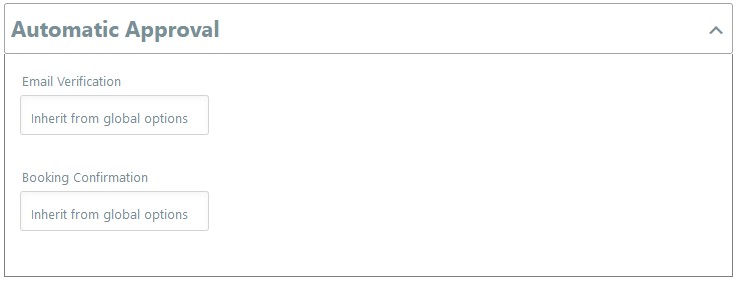
This is a useful option if you are expecting many bookings, which do not require your personal approval each time.
Email verification is useful to ensure you have a good contact with the client. Booking confirmation is useful to enable you to confirm each booking with clients before they receive the final confirmation email for the booking. Such situations where you may not need to confirm each booking as:
- Do you have many appointments each day and do not require each time to confirm?
- Do you have many bookings for a space which does not need individual confirmation?
- Do you have an event for 300 people and do not require to confirm each individual booking?
If you offer more personalised bookings that require you to confirm each booking then it is better to remain with the standard settings.
The standard settings are
- Email verification is required for free bookings. eg: if someone has entered a coupon code which makes the booking free.
- Booking Confimation – is required to be confirmed by the person offering the service.
To change this choose the following:
- Select Disable for email verification if you wish visitors to not need to email verify for free bookings.
- Select Disable so you are not required to confirm the booking for each purchase.